
5 septembre 2026
How to Convert CBZ to PDF Without Losing Quality
Turn comic archives into PDFs your e-reader actually opens — pages at their original size and quality, in the right reading order, up to 20 archives at once.
A CBZ is a ZIP file full of page images wearing a different extension, and that works perfectly right up to the moment you hand it to something that has never heard of the format. A Remarkable takes PDF and EPUB. A Kindle Scribe wants PDF. A work laptop where you can't install software opens PDF and not much else. Converting CBZ to PDF is the obvious fix — the part that goes wrong is doing it without the pages arriving out of order or a white border appearing down both sides of every panel.
The MyTools CBZ to PDF converter handles both of those by default. Here is the conversion itself, and then the three things that decide whether the PDF you get is actually readable.
Converting one archive
Step 1: Open the converter
Pull up MyTools — CBZ to PDF. There's no login screen between you and the drop zone, and the conversion runs inside the page — your library isn't going anywhere.
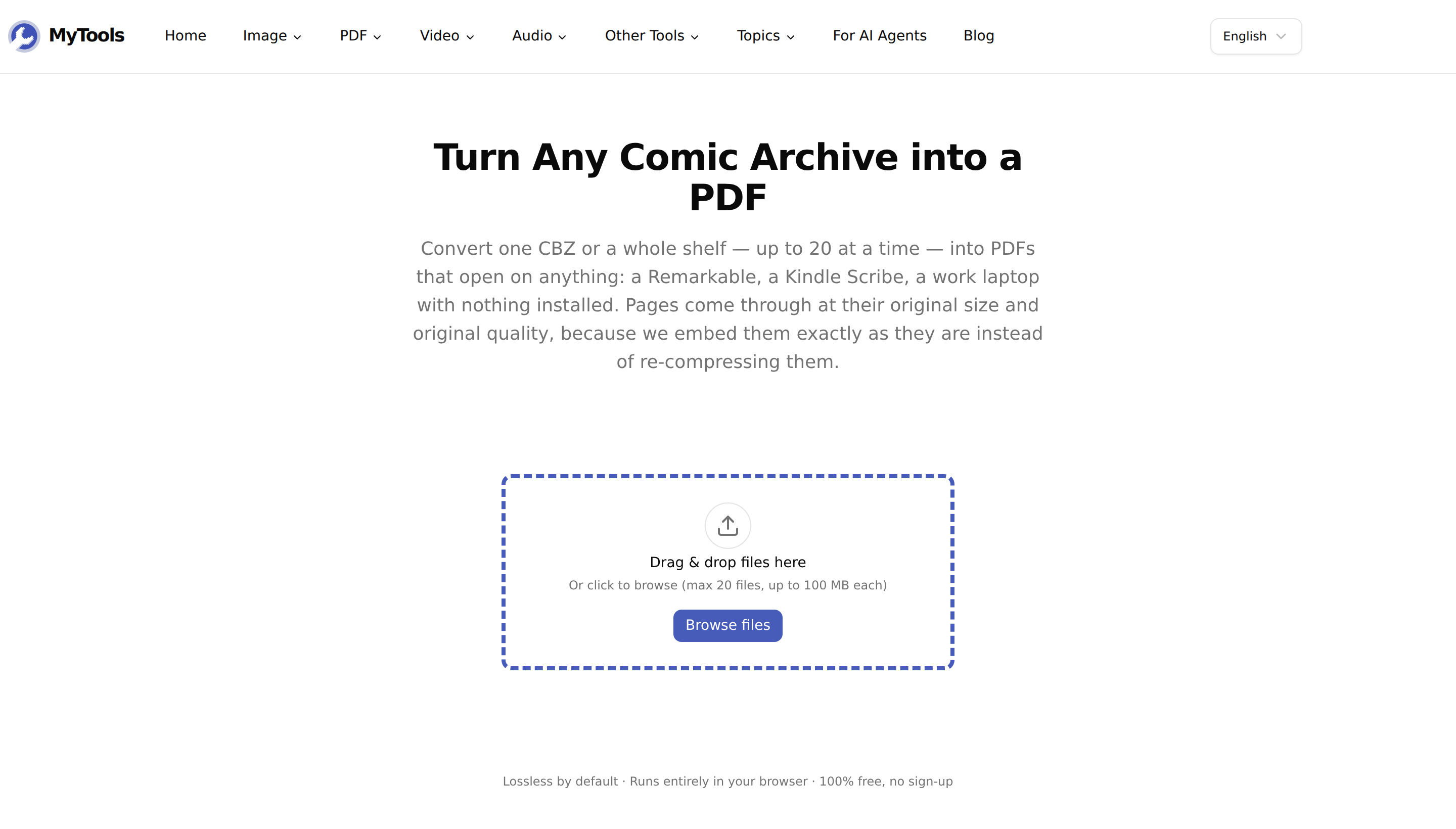
Step 2: Drop in your CBZ
Drag the file onto the dashed area, or click Browse files. The archive is opened straight away, so within a second or two you get the cover thumbnail, the page count and the file size — which is also your first sanity check that the archive is intact.
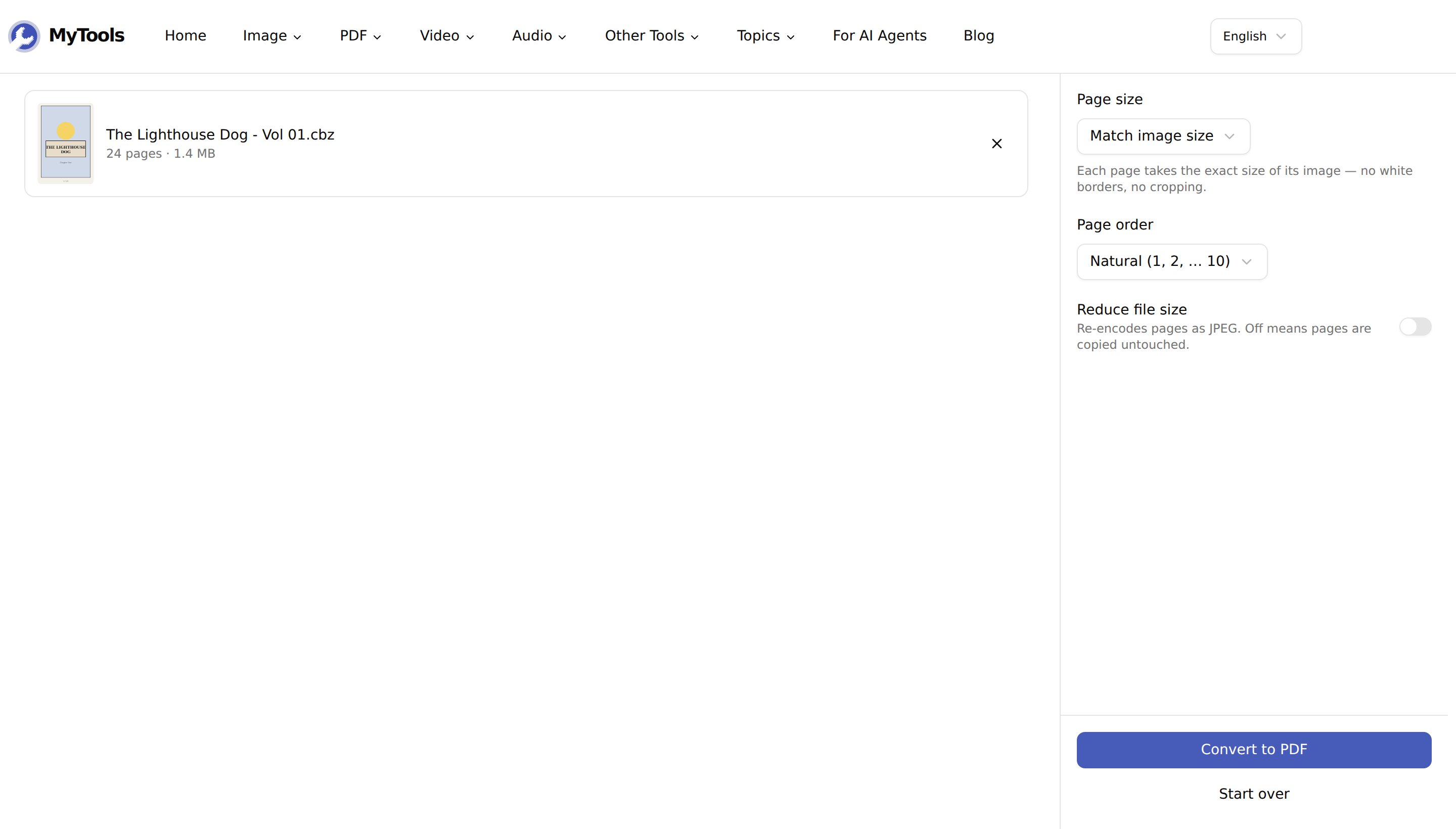
Step 3: Leave the settings alone
The defaults — Page size: Match image size, Page order: Natural, Reduce file size: off — are the right ones for a comic. Skip straight to the button unless you're doing something specific; the next sections cover the cases where you are.
Step 4: Convert and save
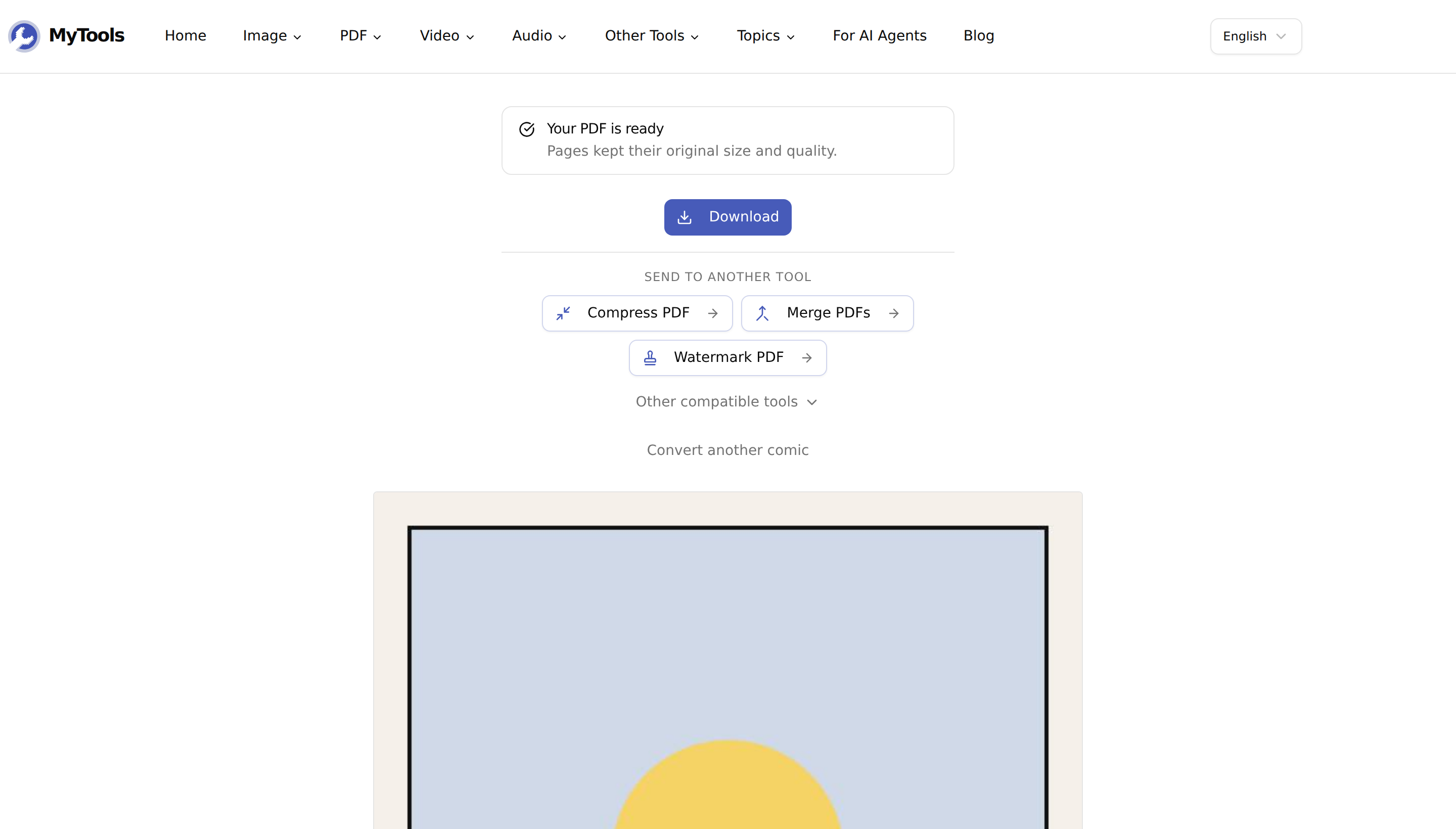
Click Convert to PDF. Progress runs page by page, and you land on a download button. One archive gives you a PDF named after it — The Lighthouse Dog - Vol 01.cbz becomes The Lighthouse Dog - Vol 01.pdf. A batch comes back as a single zip of PDFs.
What "lossless" actually means here
The pages inside a CBZ are already JPEG or PNG files. A converter has two options: decode each one and re-encode it into the PDF, or copy the bytes across untouched. Most re-encode, which is why a converted comic often looks slightly softer than the archive it came from — you've stacked a second round of JPEG compression on top of the first.
With Reduce file size off, this tool takes the second route: JPEG and PNG pages are embedded byte-for-byte, so the pages in your PDF are pixel-identical to the pages in your CBZ. No decode happens at all.
Two honest exceptions. Pages stored as GIF, WebP, AVIF or BMP can't be embedded directly — PDF only carries JPEG and PNG natively — so those get converted to JPEG at quality 90. And a small number of CMYK JPEGs defeat the direct path and fall back to a decode at quality 92. Both are rare in comic archives, and both keep the page rather than dropping it.
The two things that scramble a comic
Filename sorting. Pages named p1.jpg through p10.jpg sort alphabetically as 1, 10, 2, 3 — a plain sort puts page ten right after page one and you don't notice until you're reading. The Natural page order setting reads the digits inside each filename as numbers, so 10 lands after 9. This is the default, and it's the single setting worth not touching.
Mac shadow files. An archive zipped on macOS carries a hidden __MACOSX/ folder holding a shadow copy of every page. Readers that don't filter it show a 24-page comic as 48 pages, every page duplicated. That folder is stripped here, along with .DS_Store, Thumbs.db and ComicInfo.xml, so the page count you see is the real one.
When to change the defaults
Page size. Leave it on Match image size and each PDF page takes the exact dimensions of the image it holds — no borders, no cropping, whatever shape the artist drew. Switch to A4 and every page is placed on a fixed 210 × 297 mm sheet instead, and unless the page happens to share A4's proportions you get bands. A US comic page scanned at 1988 × 3056 px is a narrower rectangle than A4: fitted to the sheet's height it comes out 548 points wide against A4's 595, so roughly 8 mm of white sits down each side of every page. Orientation on Auto at least turns the sheet sideways for a double-page spread rather than shrinking it into a strip. Pick a paper size only if you're genuinely printing.
Reduce file size + Grayscale. Worth turning on for one specific device: an e-ink reader. A Kobo or a basic Kindle renders in 16 levels of gray, so the colour data in a full-colour volume is being discarded by the screen anyway. Quality 80 with Grayscale on cuts the file down sharply and costs you nothing you could have seen.
Merge into one PDF. This switch only appears once you've added a second archive. On it, twenty issues become one comics.pdf in list order — one library entry instead of twenty.
Tips & troubleshooting
"This is a CBR (RAR) archive." CBR is RAR-based, and browsers have no RAR decoder. The tool sniffs the first four bytes, so renaming a genuine .cbr to .cbz won't get past it. Plenty of files distributed as .cbr are actually ZIPs, though — rename one of those and it converts fine. Otherwise, re-save it as CBZ in your comic reader first.
Some pages were skipped. A truncated or corrupt page image is counted and reported rather than silently dropped, and the other 200 pages still convert. If the count is high, the archive itself is damaged.
The archive is over 100 MB. That's the per-file ceiling, with up to 20 files at a time. A full-colour volume usually fits comfortably; if yours doesn't, it's likely a 600 dpi scan that would benefit from the reduce setting anyway.
You need a CBZ, not a PDF. The same conversion runs in reverse — PDF to CBZ turns each page back into a numbered image inside an archive, for YACReader, Calibre or Moon+ Reader.
Wrapping up
Converting a CBZ to PDF is only interesting because of what a bad conversion costs you: a scrambled reading order, a doubled page count, or artwork sitting in the middle of a white border. Matched page sizes and natural ordering are on by default here, and with size reduction left off the pages go into the PDF exactly as the archive stored them.
Got a shelf of archives your reader won't open? Convert CBZ to PDF for free →