
16 Juni 2026
How to Timestamp a File (and Prove It Existed)
Timestamp any file and prove it existed at a precise moment — a free, Bitcoin-anchored .ots proof you can verify forever, with nothing uploaded anywhere.
Someday you may need to prove that a file existed at a particular moment — that your manuscript predated a plagiarism claim, that your proposal was finished before the deadline, that a design was yours before a competitor's. A file's "Date modified" field won't help: anyone can change it in two clicks. What you actually need is a tamper-proof timestamp that an outside party can verify without trusting you, the file, or even the tool that made it. That's exactly what this guide covers — how to timestamp a file so its existence at a given time becomes a matter of cryptographic record, not your word against theirs.
What You'll Need
- A web browser (desktop or mobile — it doesn't matter which)
- The file you want to timestamp, in any format
- The original file kept safe afterward — you'll need it again to verify the proof later
That's the whole list. No wallet, no Bitcoin, no account.
Timestamp a File in Three Steps
Step 1: Open the timestamper
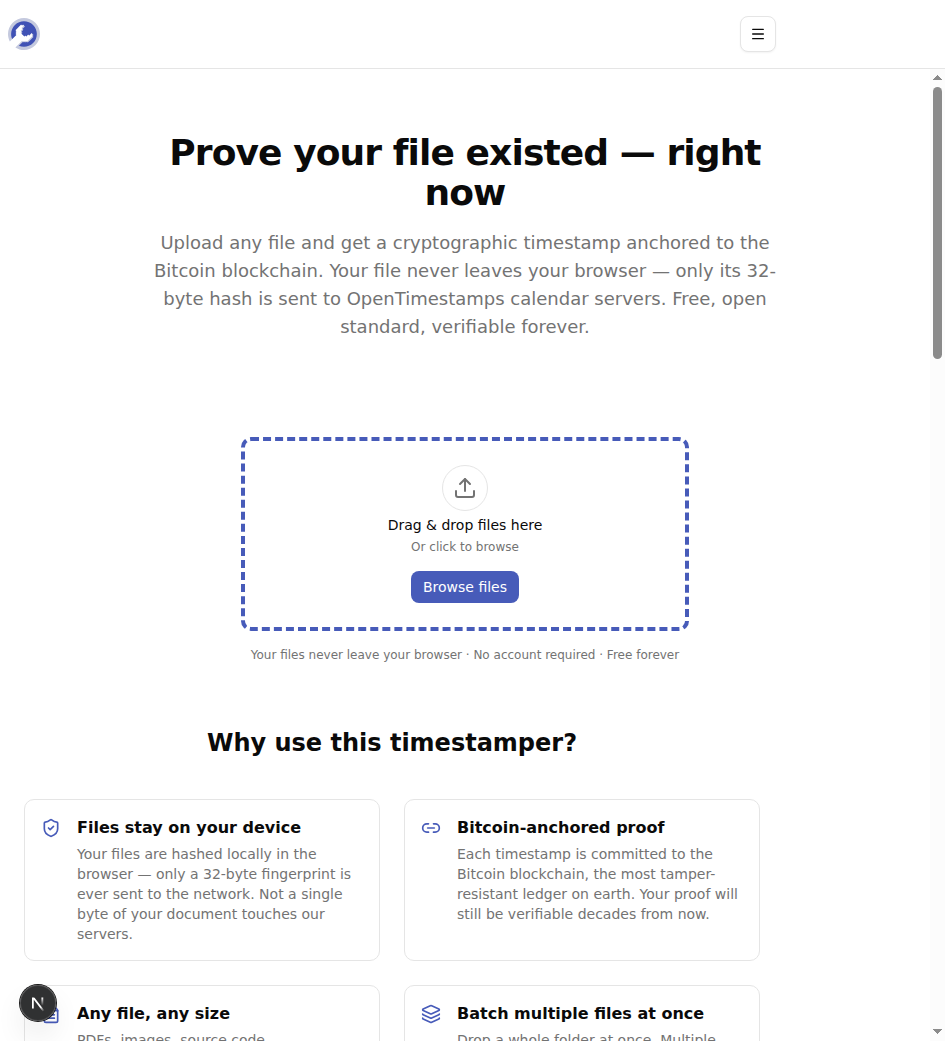
Pull up the MyTools file timestamper in any browser. The page is a single drop zone — there's no sign-up screen, and no upload meter creeping across the top, because your file itself never gets sent anywhere.
Step 2: Drop in your file (or several)
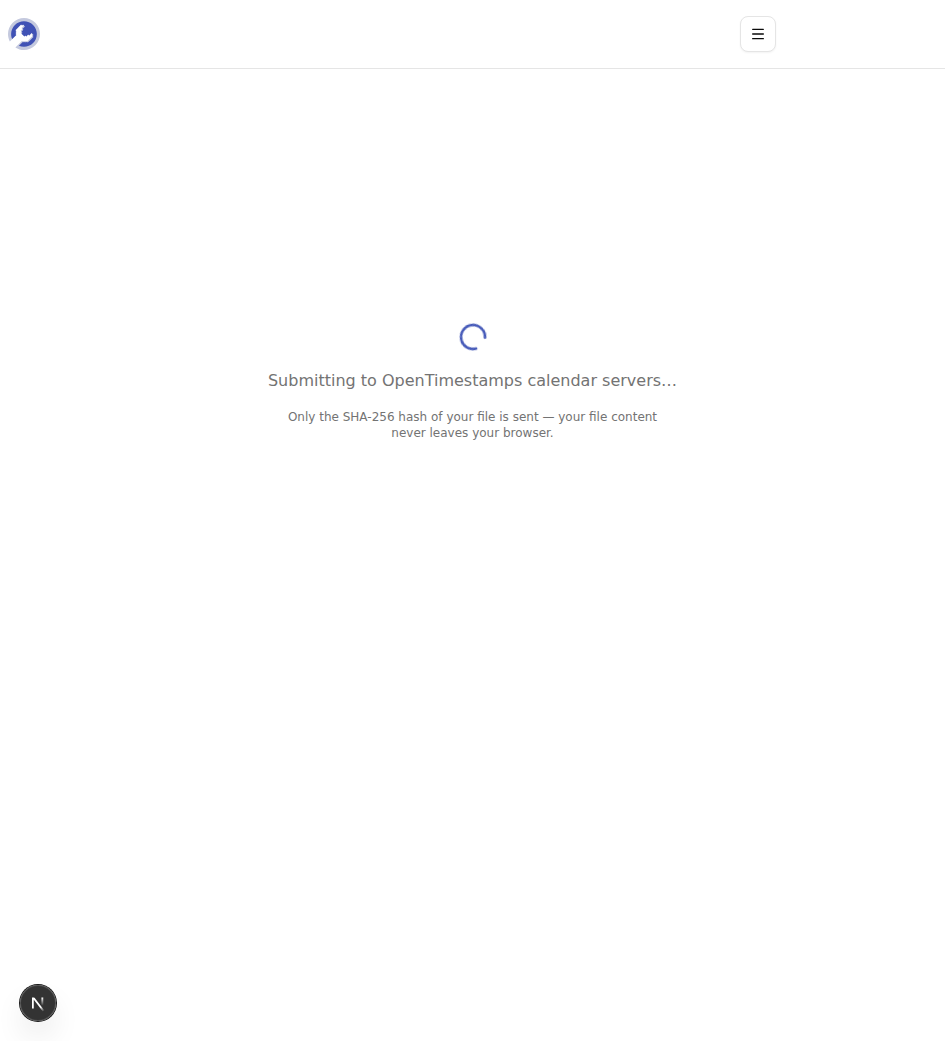
Drag a file onto the zone or tap "Browse files." You can select a whole batch at once — a folder of photos, a set of contracts, every chapter of a draft. The moment a file lands, your browser computes its SHA-256 hash locally and sends only that 32-byte fingerprint to the OpenTimestamps calendar servers. The document itself stays on your machine.
Step 3: Download your proof
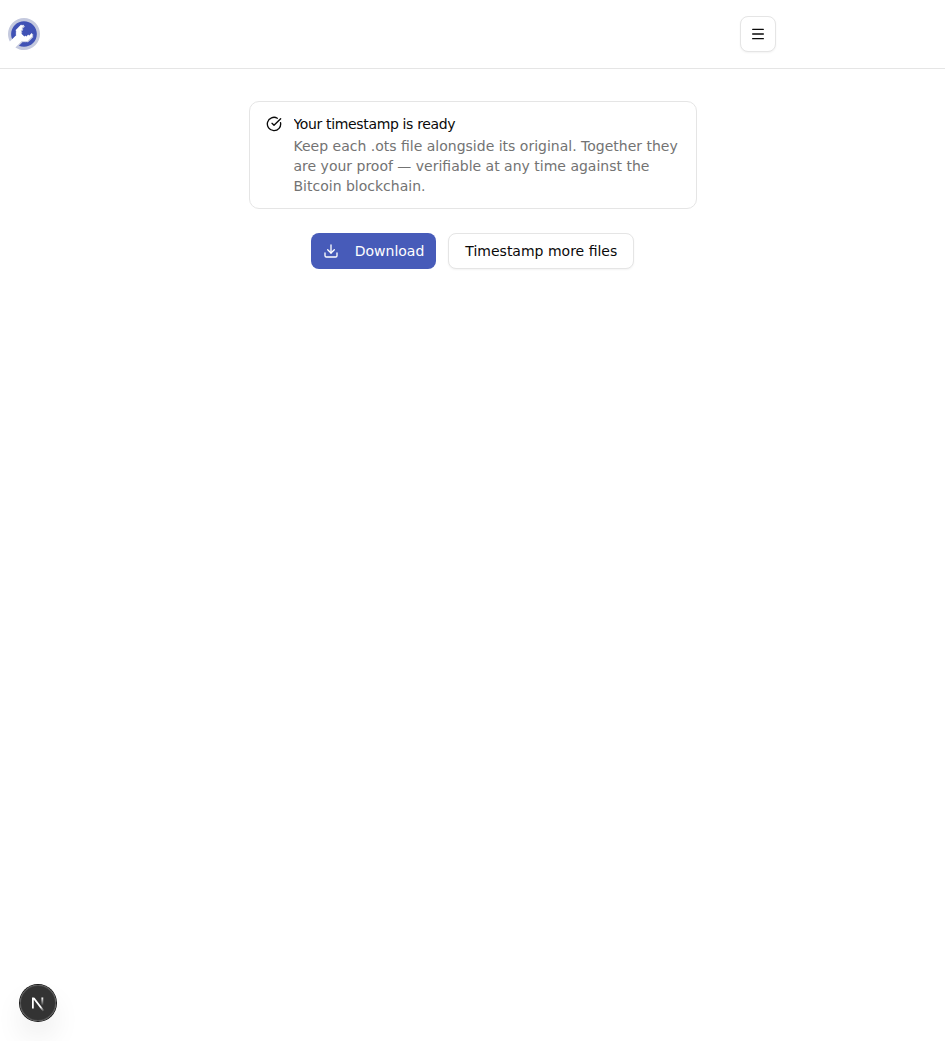
A couple of seconds later you get one .ots file per input — your timestamp proof. Download it (or grab the whole set as a ZIP) and store it right next to the original.
What the .ots File Actually Is
It helps to know what you just downloaded. When you timestamp a file, nothing about the file is recorded anywhere — only a hash. A SHA-256 hash is a 32-byte fingerprint: change a single pixel or comma in the original and the hash changes completely, but the hash can never be run backward to reconstruct the file. That's why sending it reveals nothing.
The .ots file is a small binary proof that records the cryptographic path from your file's hash down into a specific Bitcoin block. Because the Bitcoin blockchain is append-only and independently mirrored by thousands of machines, the date attached to that block can't be quietly rewritten later. So the .ots doesn't say "MyTools promises this file existed today" — it says "this exact hash was committed to a block mined at this time," and anyone can check that claim against the public chain.
Timestamp vs. Notarization vs. "Date Modified"
These three are easy to confuse, and the differences matter:
- "Date modified" metadata is editable, local, and proves nothing to a skeptic. Skip it for anything that could be disputed.
- Traditional notarization is strong but slow and costly: you trust a notary or a registry, pay a fee, and depend on that institution still existing — and still having its records — years later.
- A cryptographic timestamp trusts no single party. The proof is math anchored to a public ledger, free to create, and verifiable by anyone forever. Its limit is that it proves when a file existed, not who authored it — so pair it with a signature or named document if authorship is the question.
For most everyday disputes — deadlines, drafts, prior art — the cryptographic timestamp is the practical sweet spot.
How to Verify a Timestamp Later
A proof is only useful if you can check it when it counts. To verify, you need two things together: the original file, unchanged, and its .ots file. Hand both to any OpenTimestamps-compatible checker — including the companion verify-timestamp tool — and it re-hashes your file, walks the path recorded in the .ots, and reports the Bitcoin block (and its date) the hash was committed to. If the file has been altered by even one byte, the hashes won't match and verification fails — which is exactly the property you want.
One scheduling note: the calendar server commits your hash immediately and hands back a pending proof that is already cryptographically valid. Full on-chain confirmation lands with the next Bitcoin block, usually within about ten minutes.
Common Mistakes to Avoid
Deleting or editing the original. The .ots only verifies against the exact bytes you stamped. Re-save the document, re-export the PDF, or strip its metadata, and it becomes a different file with a different hash. Stamp the final version, then leave it untouched.
Losing the .ots file. The proof lives in that little file, not on our servers — we don't keep a copy. Back it up the same way you back up the original. Stamping the file again next month gives you a later timestamp, not the one you wanted.
Stamping the wrong moment. A timestamp proves a file existed at or before the stamped time — never earlier. If a date might matter, stamp the work as soon as it's final, not weeks later when a dispute is already brewing.
Wrapping Up
Timestamping turns "trust me, I made this first" into something a stranger can verify against the public record. Hash the file, get the .ots, keep the two together — that's the whole habit, and it costs nothing. It won't replace a contract or a signature, but for proving when something existed, little else is this cheap, this fast, or this durable.
Got something worth protecting? Timestamp a file for free →